
Check the Version
Compare the new version with your installed app.
RS9 / ANDROID DOWNLOAD
Check the file details, then follow the steps to install RS9 on your phone.
File checked 16 Nov 2026 · Independent guide
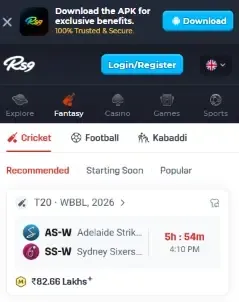
01 / BEFORE YOU DOWNLOAD
This identifies one build, not a confirmed latest release.
| RS9 for Android | APK installation package |
|---|---|
| File name | rs9.apk |
| Version | 1.13 |
| File size | 3.67 MB |
| Minimum Android | 7.0 (API 24) |
| Package ID | com.cars.arsy |
02 / FROM FILE TO APP
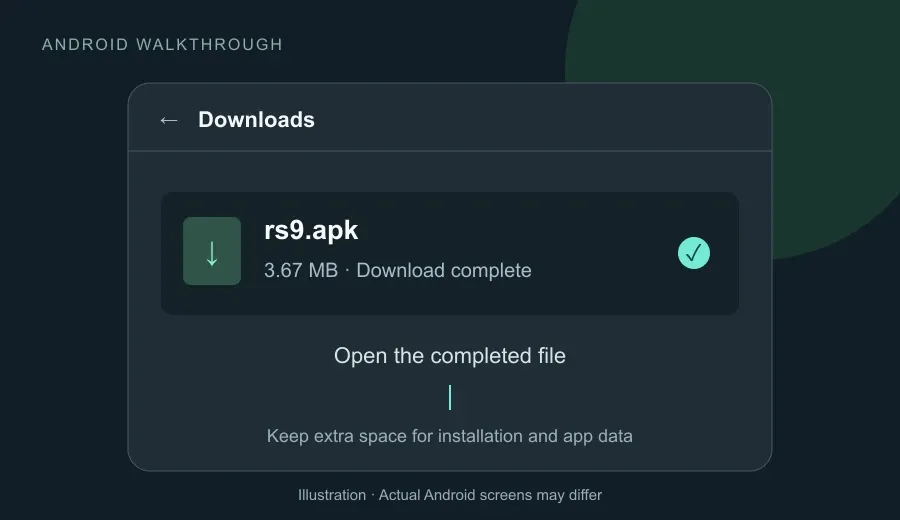
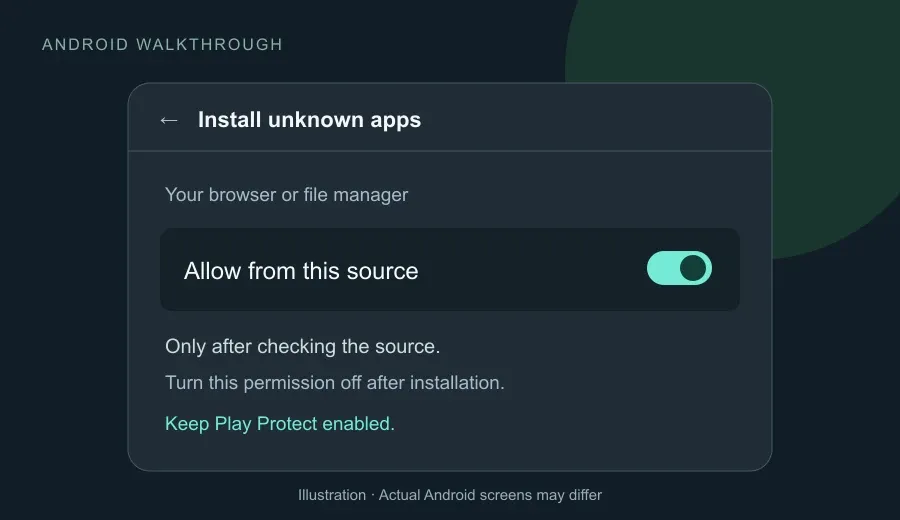
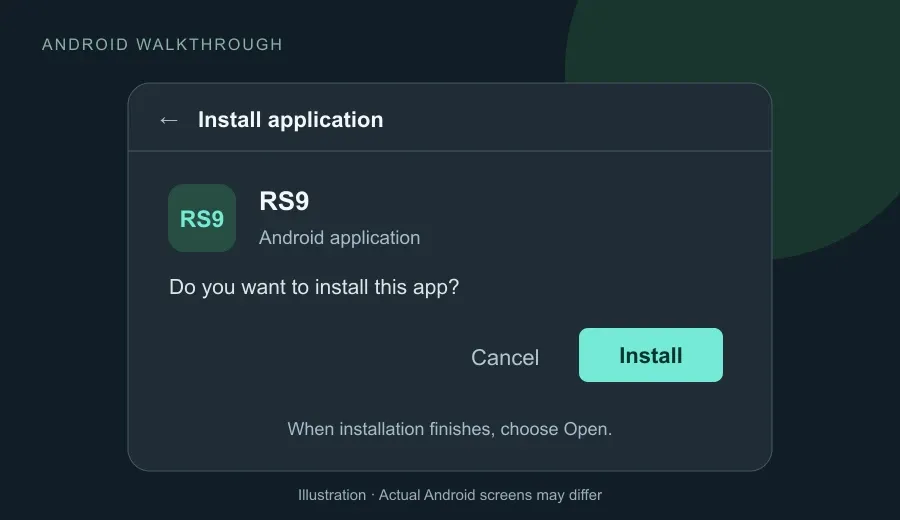
The first three images are Android walkthrough illustrations. Labels may differ on your phone.
Use rs9.apk you have verified. Wait for the download to finish, then open the file from your browser’s Downloads list.
If Android asks, review the source before allowing this browser or file manager to install apps.
Follow the installation prompt. When it finishes, tap Open. Turn off the temporary install permission afterwards.

03 / ALREADY HAVE RS9?
Confirm your login and recovery options before making changes.
Compare the new version with your installed app.
Use a verified update source and keep free storage available.
Try the supported update path before removing the current app.
Stop if Android reports a signature or package conflict.
04 / SOMETHING NOT WORKING?
Need help after installation? Browse Help & FAQ →
Your next step is login. Get sign-in help, or explore the game categories.